
How to Transfer USDT from Binance Smart Chain (BSC) to Exchange and Use It: A Step-by-Step Guide

Transferring USDT from the Binance Smart Chain (BSC) to another exchange can feel tricky if you are unfamiliar with blockchain networks. However, once you understand the basic steps, the process is straightforward. This guide covers how to send USDT from BSC to another exchange, how to use it after arrival, and what to watch out for to avoid losing funds.
First, you need to ensure that both the sending and receiving platforms support the BSC network. USDT exists on several blockchains, including Ethereum (ERC-20), Tron (TRC-20), and Binance Smart Chain (BEP-20). When you want to transfer USDT from Binance (or a BSC wallet like Trust Wallet or MetaMask) to a different exchange, the destination exchange must accept BEP-20 USDT deposits. If it only supports ERC-20 or TRC-20, you must use a bridge or convert your USDT first.
Step 1: Log into your Binance account or your BSC wallet. If you are transferring from Binance, go to the "Withdraw" section. Select USDT as the asset. In the network field, choose "BSC" or "BEP-20". This is critical—selecting the wrong network can result in permanent loss of your tokens.
Step 2: Go to your target exchange and find the deposit address for USDT. Copy that address carefully. Ensure that the deposit network displayed on the receiving exchange is also BSC (BEP-20). If the exchange shows an ERC-20 or TRC-20 address, do not send BSC USDT to it. Some exchanges offer multiple deposit addresses for different networks—be sure to pick the BSC one.
Step 3: Paste the deposit address into the withdrawal field on Binance or your wallet. Enter the amount of USDT you wish to send. Double-check the network match: both sides must say BSC or BEP-20. Confirm the transaction. If using Binance, you may need to complete 2FA security steps. After confirmation, the transaction will be processed. BSC transfers are usually fast and incur a low fee (often less than $1).
Step 4: Wait for the transaction to be confirmed on the blockchain. You can track it using a BSC explorer like BscScan. Once the network confirms the transaction, the USDT will appear in your exchange wallet. Depending on the exchange, this can take from a few seconds to a few minutes.
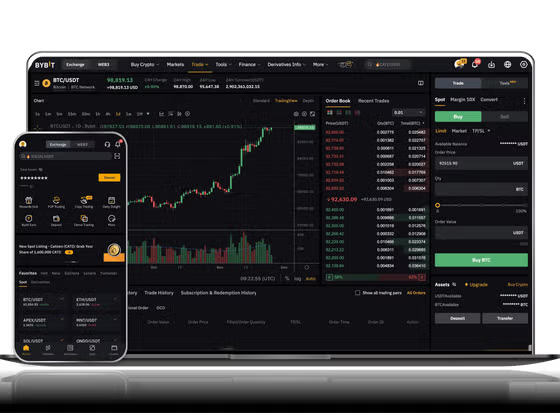
Now, how do you "use" the USDT after it arrives on the exchange? The answer depends on your intent. If you want to trade, you can use the USDT to buy other cryptocurrencies like Bitcoin, Ethereum, or altcoins. Most exchanges list USDT as a base trading pair (e.g., BTC/USDT, ETH/USDT). Simply go to the trading section (spot market), select the pair, and place a buy order.
If you want to cash out to fiat currency (like USD, EUR, or CNY), you must first sell your USDT for your local currency on the exchange. Then, withdraw the fiat to your bank account or card. Keep in mind that some exchanges require identity verification (KYC) before allowing fiat withdrawals.
If you want to use USDT for DeFi purposes on the receiving platform (like lending, staking, or yield farming), you may need to transfer the USDT from the exchange wallet to a DeFi-compatible wallet (e.g., MetaMask) and then connect to a dApp. However, if the receiving exchange supports staking directly, you can stake USDT without leaving the platform.
Important warnings: Always test with a small amount before sending large sums. Network selection mistakes are the most common cause of lost funds. Also, never share your private keys or withdrawal confirmation codes with anyone. Finally, note that some exchanges impose a minimum deposit amount for BSC USDT—check this to avoid failed transactions.
In summary, transferring USDT from Binance Smart Chain to an exchange requires matching networks correctly. After the transfer arrives, you can trade, stake, sell, or withdraw the funds. By following the network details and security tips, you can move your USDT safely and efficiently.


发表评论